 عصر بازی | فروشگاه اینترنتی عصر بازی

توضیحات محصول
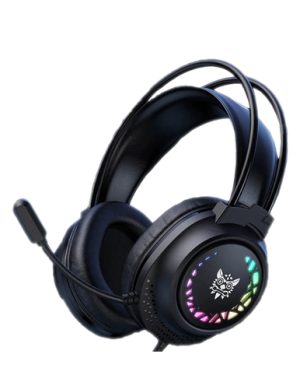
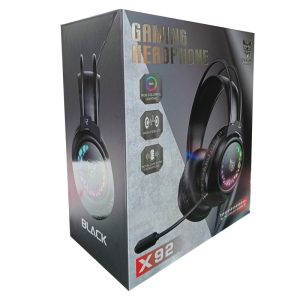
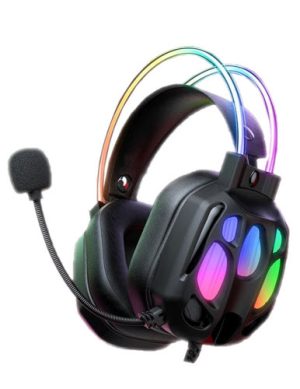
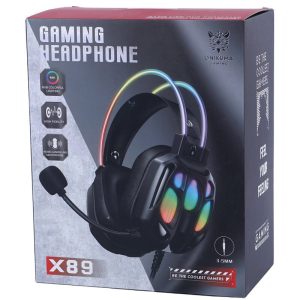
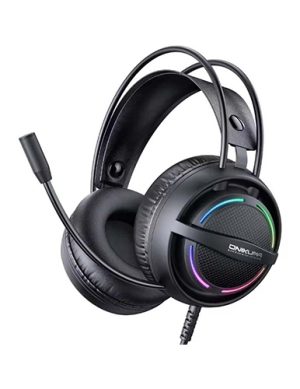
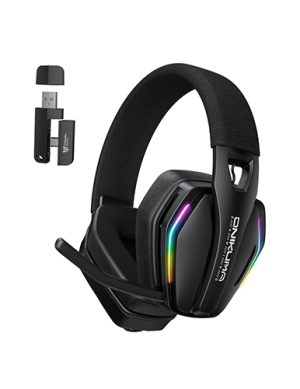
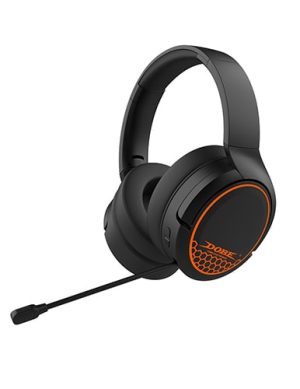
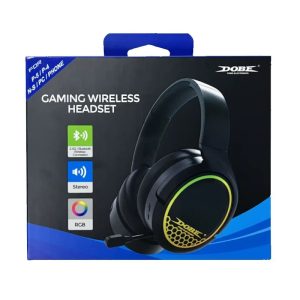
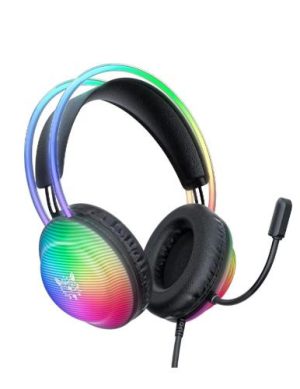
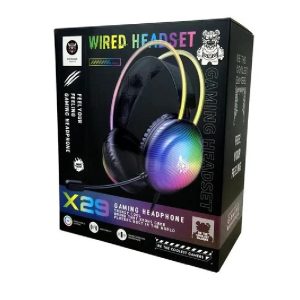
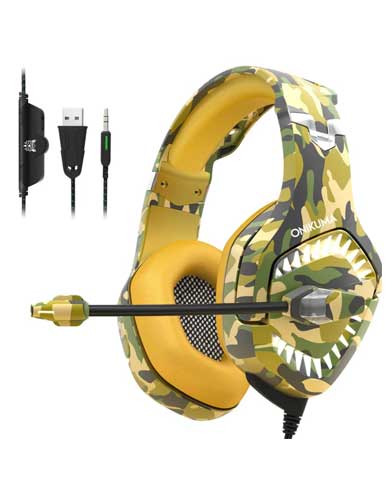
هدست گیمینگ اونیکوما مدل Onikuma K1B Pro Yellow Camo
توضیحات هدست گیمینگ اونیکوما مدل Onikuma K1B Pro Yellow Camo
ONIKUMA Stereo Gaming Headset
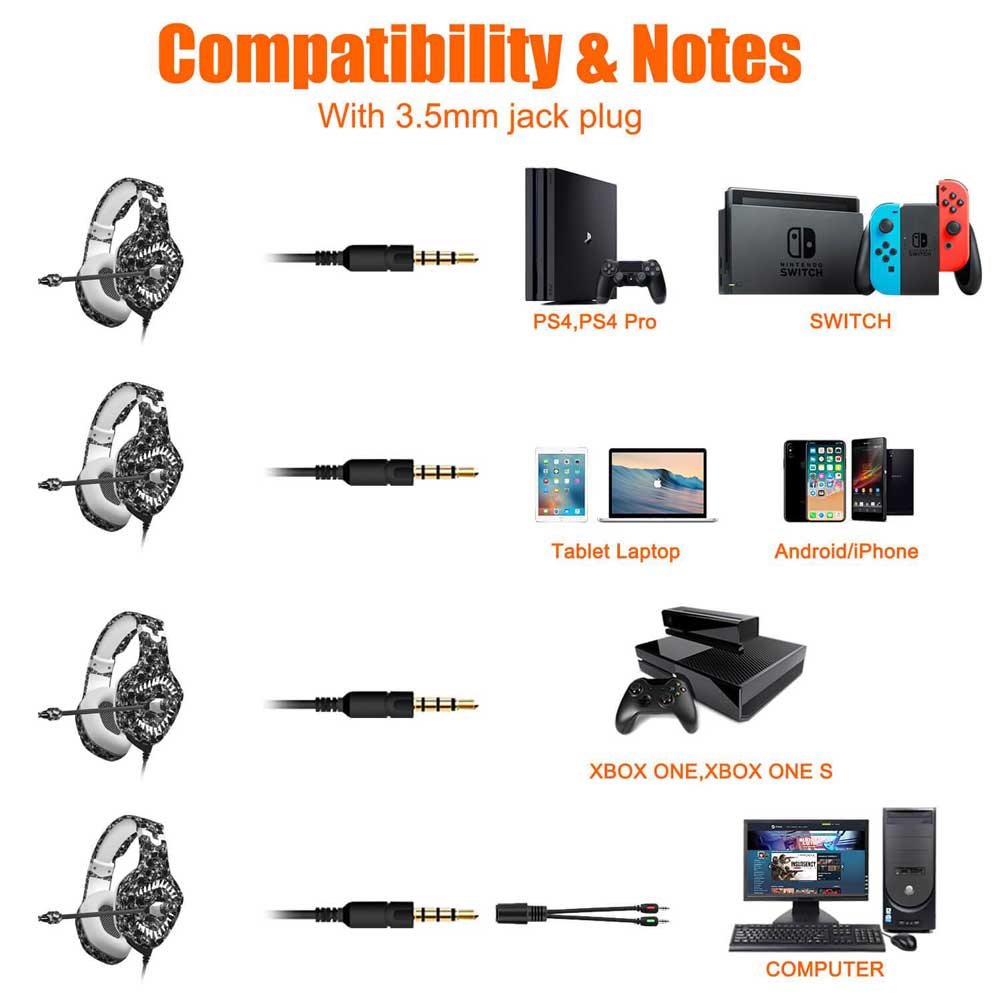
مناسب انواع کنسول:
PS4
Xbox One
Nintendo Switch
Laptop
Smartphones
PC
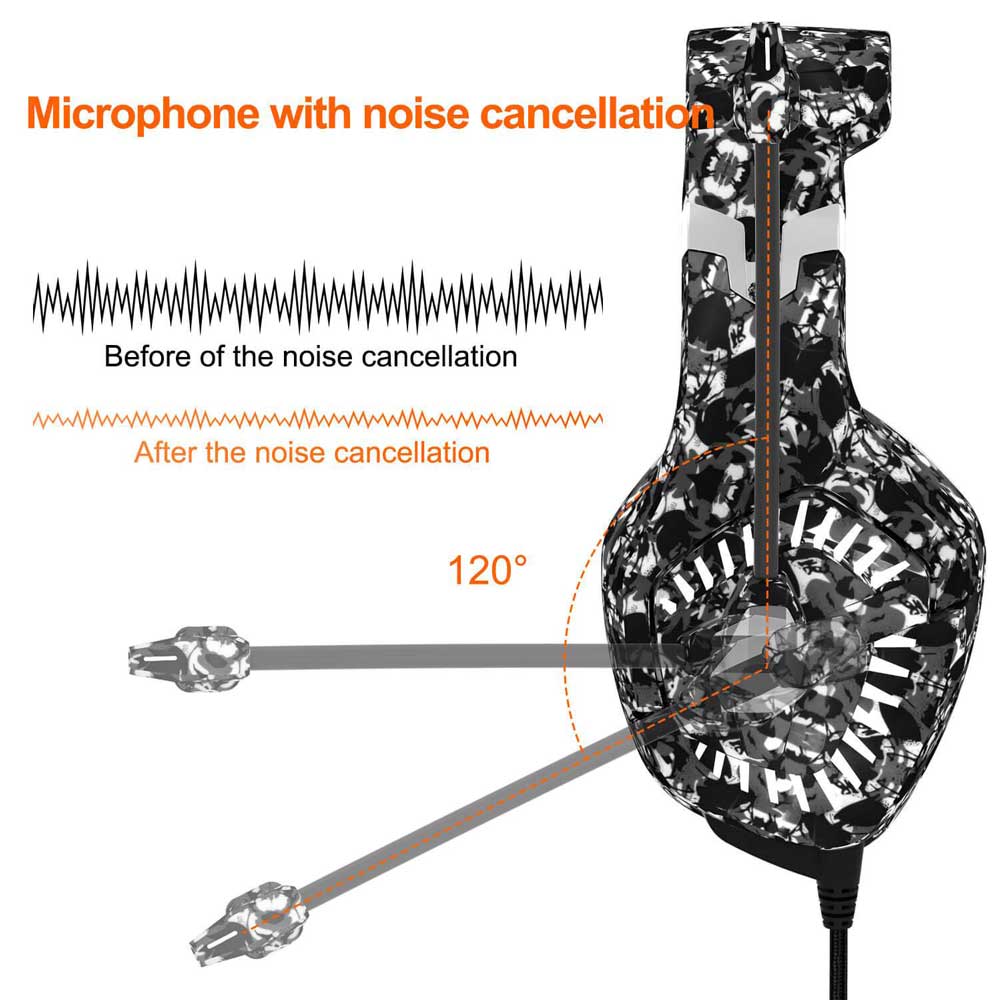
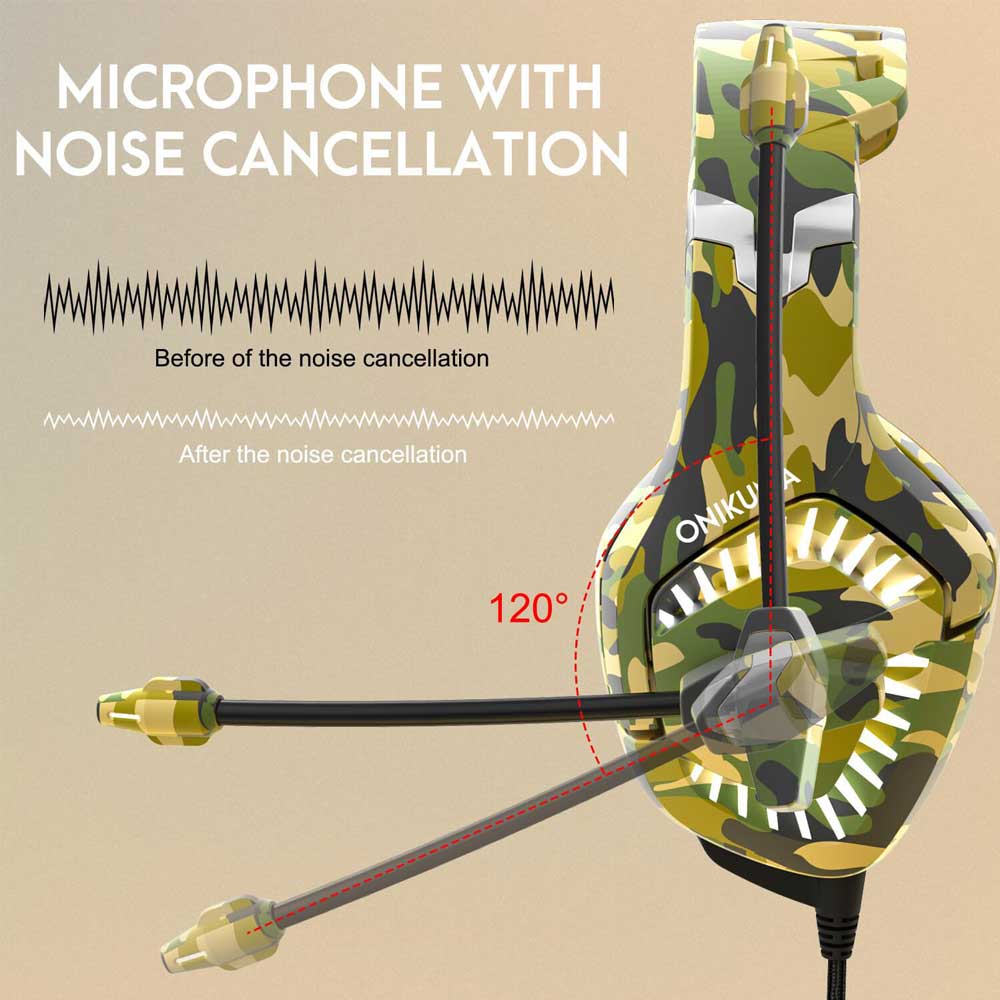
قابلیت حذف نویز Noise Cancelling
Drive diameter: 50mm
Impedance: 32Ω
Sensitivity: 106dB / mW +/- 3dB
Frequency range: 20Hz-20KHz
Micro diameter: 60mm
Miniature sensitivity: -38dB +/- 3dB
Micro frequency range: 100Hz-16KHz
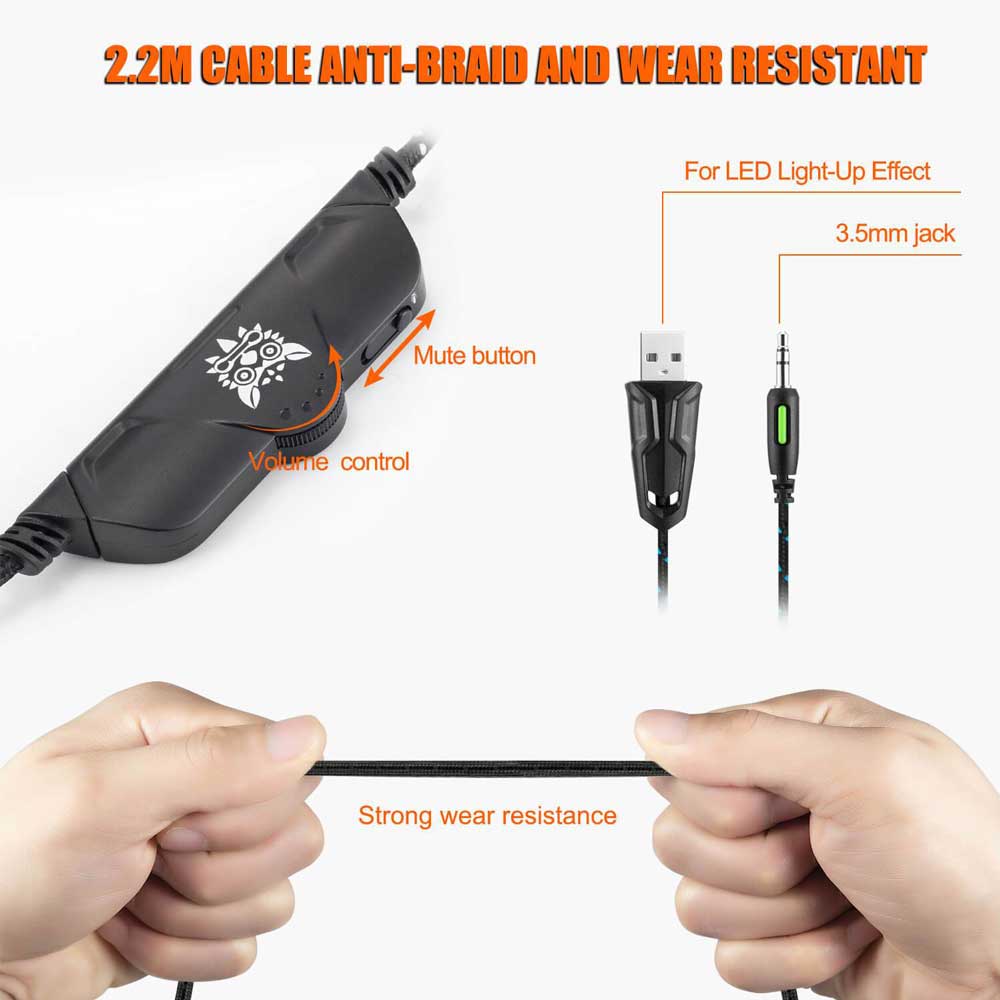
Headphone jack: USB +1 X3.5mm jack / USD + 2X3.5mm jack

[High compatibility] applies to PS4, Xbox one, 32 bit, 64 bit, Win7 / Win8 / Win and XP.
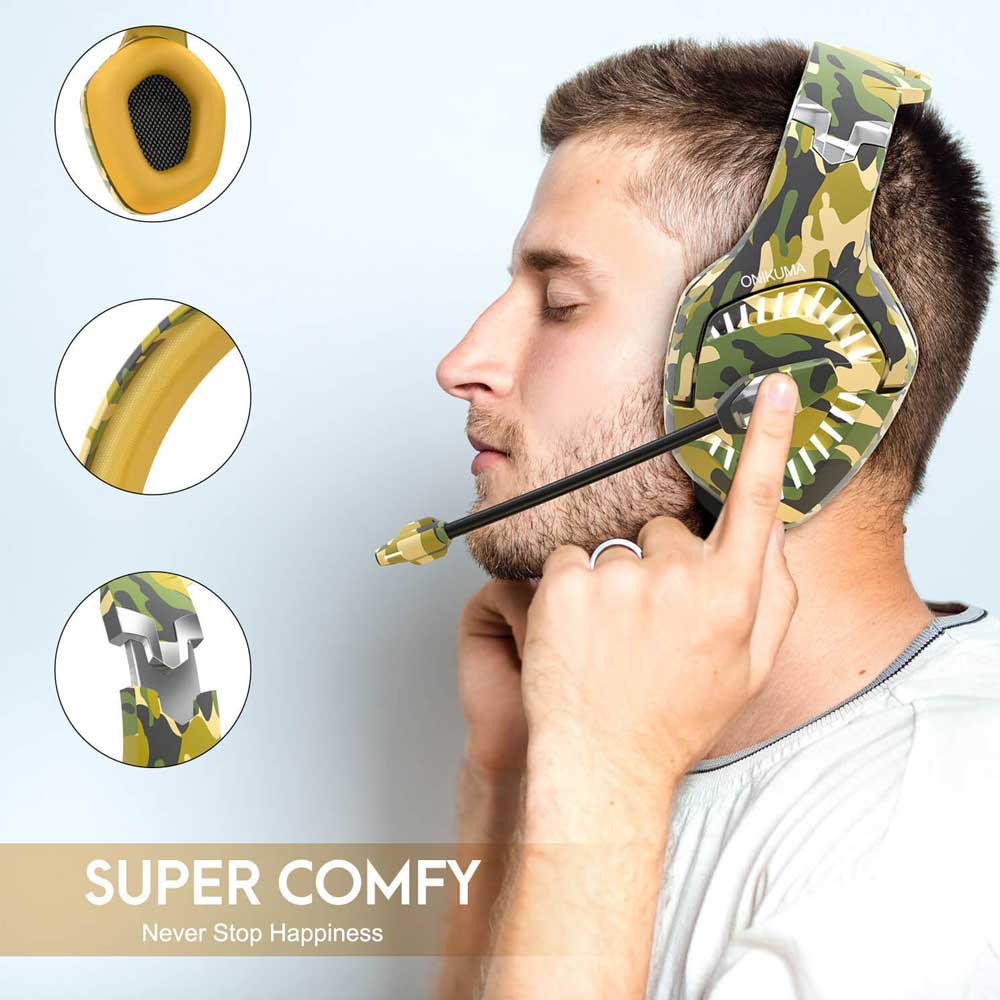
[Comfortable design] Reduces hearing damage, bites the ears, sweats the ears, and provides long lasting comfort.
[Easy to install] Plug and play, easy volume control and microphone mute button.
[Knought Skin Materials] Headphones are made of baby-friendly materials, and each product is fully tested before it goes on the market. We promise it is harmless to the human body.
[Long life] is longer than most gaming headphones on the market.
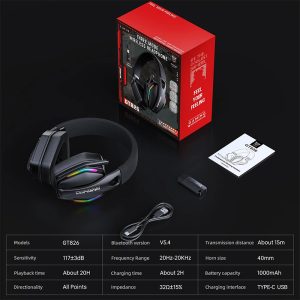
specification:
Drive diameter: 50mm
Impedance: 32Ω
Sensitivity: 106dB / mW +/- 3dB
Frequency range: 20Hz-20KHz
Micro diameter: 60mm
Miniature sensitivity: -38dB +/- 3dB
Micro frequency range: 100Hz-16KHz
Headphone jack: USB +1 X3.5mm jack / USD + 2X3.5mm jack
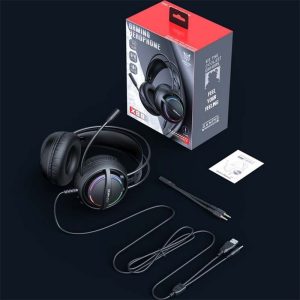
package:
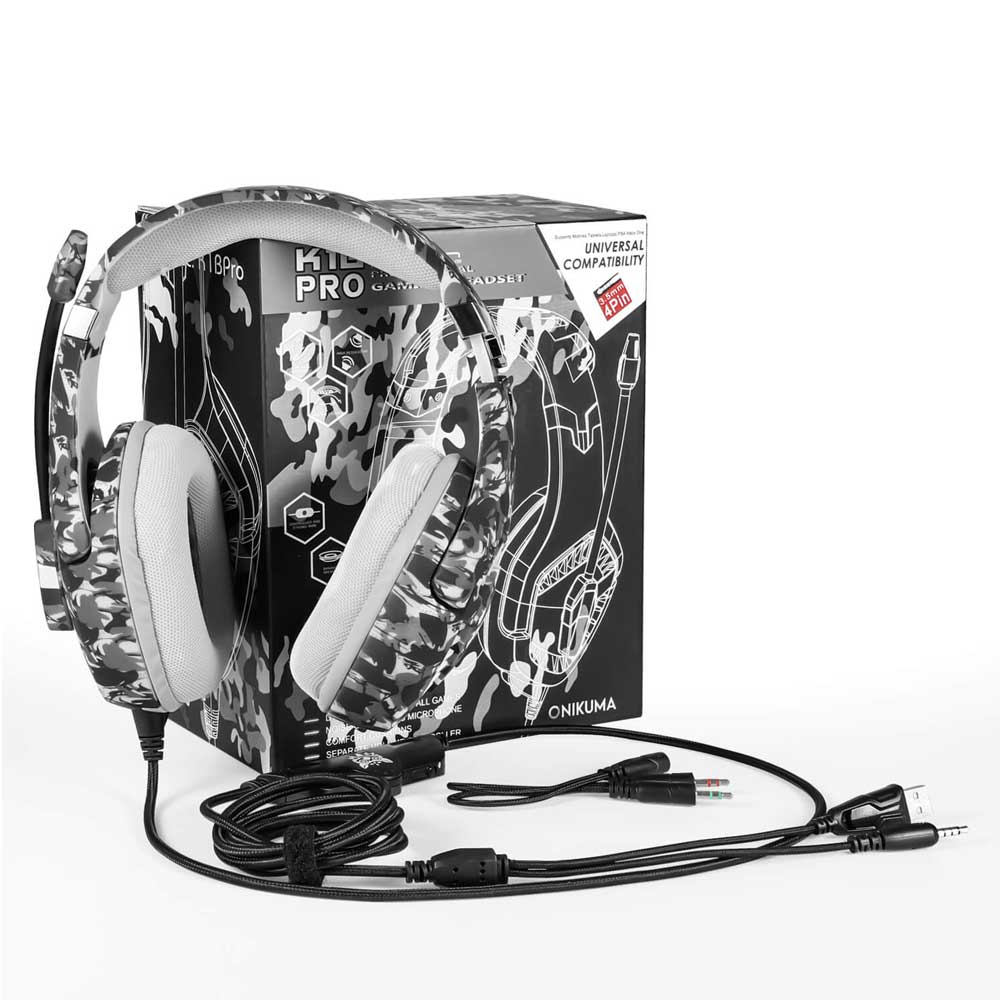
1 x ONIKUMA Gaming Headset
1 x 3.5mm plug plug cable
1 x 1 to 2 3.5mm jack distributor cable
1 x user manual
[PS4]
1. Plug the 3.5 mm plug cable into the controller.
2. Press and hold the ps4 button to enter the system settings.
3. Go to “Peripheral Machines”, “Adjust the sounds and devices, change ‘Output to Headset’ to ‘All Audio’.
[Xbox one] If your xbox one controller has a 3.5mm audio interface, you can use the gaming headset directly. Otherwise, “MICROSOFT ADAPTER” will be required.
[PC] Plug the 1 to 2 3.5mm splitter cables into the audio
نقد و بررسی وجود ندارد.